
To activate your device, you will need to have an Antelope account.
To create an account, please click here.
Existing users can log in here.
Step 2: Download and install the Antelope Launcher
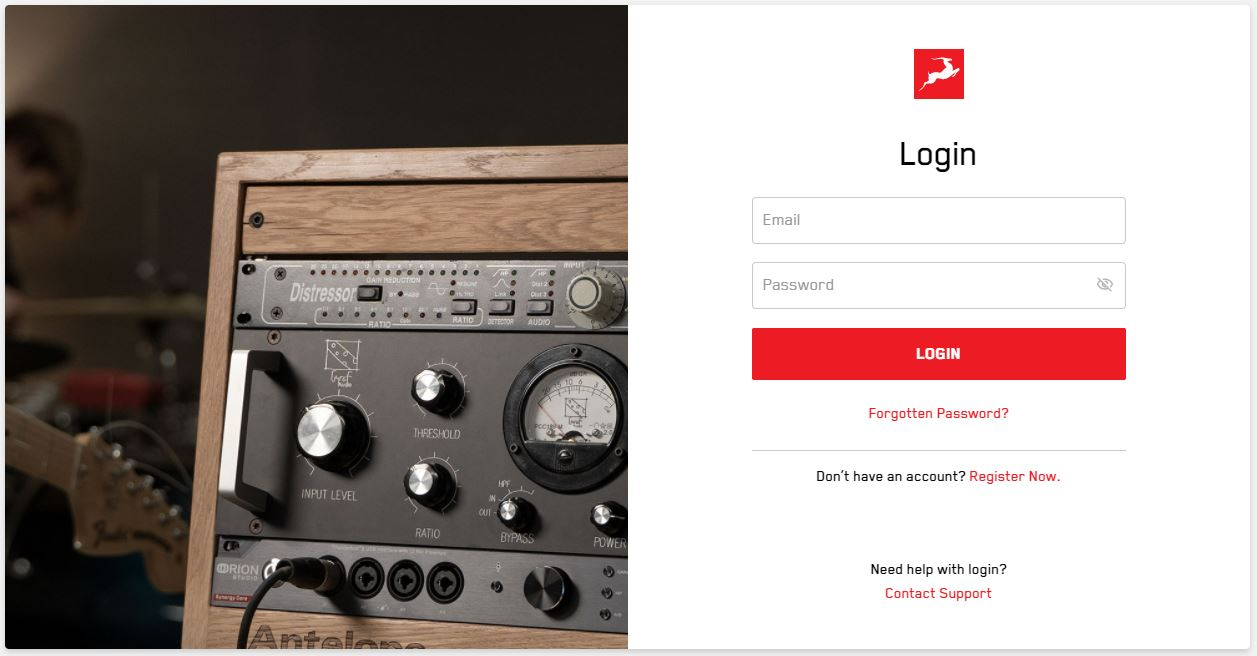
Download and install the Antelope Launcher. Once the Launcher is installed login with your account.
Click here to download for MAC
Click here to download for Windows
Step 3: Register your Edge 360 and Calibration File Download
Click "Register Microphone" and enter the microphone's serial number. The serial number can be found on the microphone's body.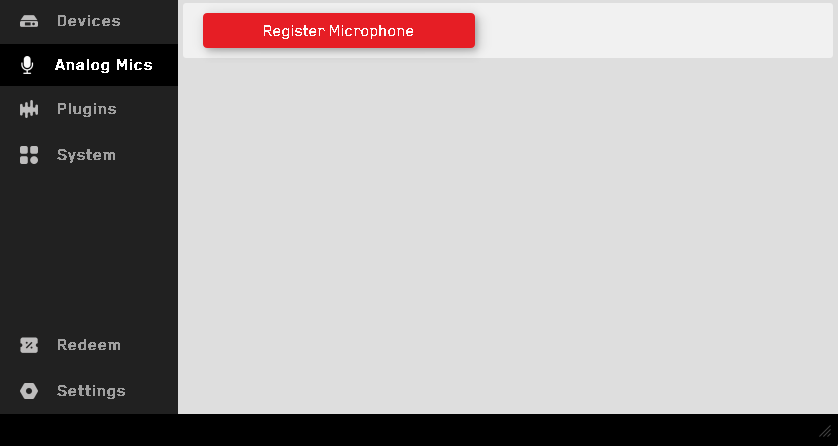
Once the microphone has been successfully registered, a prompt will appear asking whether you would like to download its calibration file.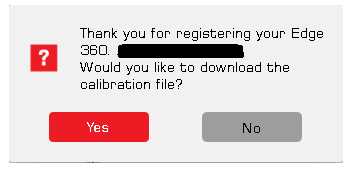
Once downloaded, the calibration file can be loaded inside Orion Studio Sinergy Core control panel.